
Run this in AIHR BD instead of a spreadsheet
NBR-compliant payroll, ZKTeco & Hikvision attendance sync and bKash/Nagad salary disbursement — 14-day free trial, no credit card required.
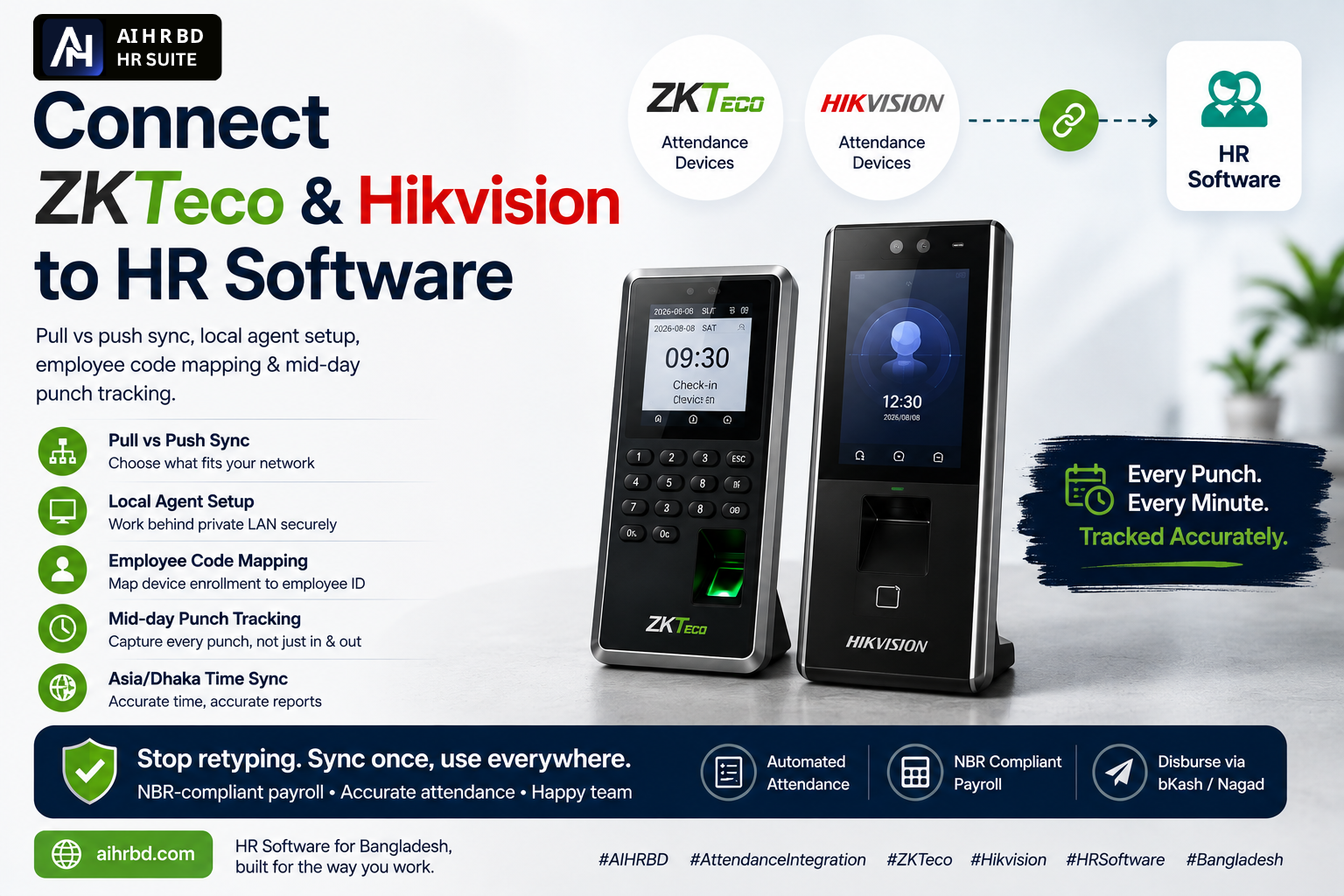
Almost every factory, hospital and corporate office in Bangladesh already owns an attendance machine — a ZKTeco fingerprint terminal at the gate, a Hikvision or Dahua face terminal in reception. The hardware is rarely the problem. The problem is that the punch data stays trapped inside the device, and someone still exports a .dat or Excel file at month end and retypes it into payroll.
This guide covers how to connect those devices to HR software properly: the two sync architectures, what to do when the device sits on a private LAN, how employee codes must be mapped, and — the part most teams miss — how to keep every punch, not just the first and last one of the day.
Key takeaways
- Device integration comes in two shapes: pull (server calls the device) and push (device or a local agent calls the server). Your network decides which one is possible.
- Devices on a private LAN with no public IP need a local agent — not a VPN scramble, not port forwarding to a biometric box.
- The single most important setup step is mapping device enrollment number to employee ID. Get this wrong and every report is wrong.
- Store raw punches, not just check-in and check-out. Without raw punches you can never answer "how long was this person outside during the day?"
- Always fix the device clock to Asia/Dhaka (UTC+6) and sync it on every poll. Clock drift is the number one cause of "wrong late minutes" complaints.
Pull vs push: pick based on your network
| Pull sync | Push sync | |
|---|---|---|
| Who initiates | HR server calls the device on a schedule | Device or local agent posts data to the server |
| Needs public IP / port forward | Yes | No |
| Typical protocol | ZKTeco SDK/TCP 4370, Hikvision ISAPI over HTTP | ADMS / HTTP webhook, or an agent on the office PC |
| Latency | As fast as the poll interval (5–15 min) | Near real-time |
| Best for | Head office with a static IP | Branch offices, factories, shared broadband |
In Bangladesh most branch offices sit behind CGNAT broadband with no static IP, so push wins in practice. Exposing a biometric terminal directly to the internet is also a bad idea — these devices ship with weak default credentials and are rarely firmware-patched.
Rule of thumb: if the device does not have a dedicated static IP and a firewall in front of it, use a local agent.
Option 1: Direct pull (ZKTeco, Hikvision, Dahua)
Direct polling works when the device is reachable from your server. What the integration does each cycle:
- Authenticate — ZKTeco with a comm key, Hikvision/Dahua with digest auth over ISAPI.
- Request attendance logs for a time window (usually the last 1–3 days, not "all logs" — full dumps time out).
- Normalise each record into
{ enrollment_no, timestamp, verify_method }. - Push the device clock back to Asia/Dhaka time.
- Write a sync log entry with counts and any error, so support can debug without visiting the site.
Keep the window small and paginate. A three-year-old terminal in a garment factory can hold hundreds of thousands of logs, and asking for all of them will hang the connection.
Option 2: Local agent (the reliable path)
A local agent is a small program running on any always-on Windows PC in the same office LAN as the device. It talks to the device locally, then posts punches to your HRMS over HTTPS with a device token. Nothing needs to be opened to the internet.
What a good agent setup looks like:
- One token per device, revocable from the admin panel.
- A heartbeat every few minutes so HR can see Online / Offline status per device instead of discovering a dead machine on payroll day.
- Local buffering: if the internet drops, punches queue on disk and flush when the link returns.
- Idempotent posting — the server de-duplicates on
employee + timestamp + device, so a replay after a crash never doubles a punch.
Employee code mapping: the step everyone rushes
The device knows a person as enrollment number 0042. Your HR system knows them as EMP-0042 or a UUID. Mapping is the bridge, and it must be:
- Unique per company — two branches both starting enrollment at 1 will collide unless codes are namespaced or the device ID is part of the key.
- Stable — never reuse the enrollment number of an ex-employee for a new hire. Old punches will attach to the wrong person.
- Verified at onboarding — enrol the finger or face and confirm the code on the same day the employee record is created, not "later".
Any punch whose code has no match should be stored as unmatched and shown in a review queue. Silently dropping them is how a whole department goes missing from a report.
Keep every punch, not just first in and last out
Most systems collapse a day into two values: earliest punch as check-in, latest as check-out. That is enough for a late/absent report — and useless for anything else.
If you keep the raw punch stream, you can answer questions HR actually asks:
- How many times did this employee leave the premises mid-day, and for how long?
- Which departments have the longest outside time in the afternoon?
- Did the lunch break really take 40 minutes or 95?
- For field staff, does the gate punch match the client visit punch?
The logic is straightforward once the data exists: sort the day''s punches, treat the first IN and last OUT as the office frame, then pair every OUT → next IN in between as one outside movement with a duration. Collapse repeated taps of the same direction (people tap twice), and ignore anything after the final OUT.
This is exactly how the Outside Movement Tracking report works inside AIHR BD, and it costs nothing extra — the punches are already coming off the device, they just have to be stored instead of thrown away.
Time zones, clock drift and DST
Bangladesh has no daylight saving, which makes life easy — but device clocks still drift, often by minutes per month. Two rules:
- Store every punch in UTC in the database, convert to Asia/Dhaka (UTC+6) only for display and for deciding the attendance date.
- Re-sync the device clock on every poll cycle. A device running 7 minutes fast turns a punctual employee into a late one, and nobody trusts the report after that.
Handling shifts, night shifts and grace periods
Raw punches are not attendance. The rules layer turns them into it:
- Resolve the employee''s shift for that date (roster, rotation, or default).
- Apply the grace period before counting late minutes.
- For night shifts crossing midnight, attach the punch to the shift''s start date, not the calendar date.
- Mark days with an IN and no OUT as missed punch and route them to the correction workflow — not to absent.
A correction request with manager approval is far better than letting HR edit attendance rows directly. It leaves an audit trail, which matters during a Labour Act compliance inspection.
Rollout checklist
- Device inventory: model, firmware, IP, location, branch
- Decide pull or push per site
- Fix device clocks to Asia/Dhaka and enable auto-sync
- Map every enrolment number to an employee record
- Enable raw punch storage before go-live, not after
- Run one month in parallel with the old Excel process
- Train HR on the sync status screen and the correction queue
Related reading
Frequently asked questions
- Can ZKTeco and Hikvision devices be connected to HR software at the same time?
- Yes. Each device model uses its own protocol — ZKTeco typically over TCP port 4370 with a comm key, Hikvision and Dahua over ISAPI/HTTP with digest authentication — but a well-built HRMS normalises all of them into the same punch format. You can run mixed brands across branches and see one unified attendance report.
- What if my attendance device has no static IP?
- Use a local agent instead of direct polling. A small program on an always-on PC in the same office network reads the device locally and posts punches to the HR system over HTTPS with a device token. Nothing needs to be exposed to the internet, which is also far safer than port-forwarding a biometric terminal.
- Why does the report show only check-in and check-out, not mid-day movement?
- Because most systems collapse the day into the earliest and latest punch and discard everything in between. To track mid-day exits you must store the raw punch stream from the device, then pair each OUT with the next IN inside the day frame to calculate outside time per employee.
- How do I stop duplicate punches when the internet drops and reconnects?
- Make the ingest idempotent. De-duplicate on the combination of employee, exact punch timestamp and device ID so a replayed batch is ignored. The local agent should buffer punches on disk while offline and flush them once connectivity returns.